
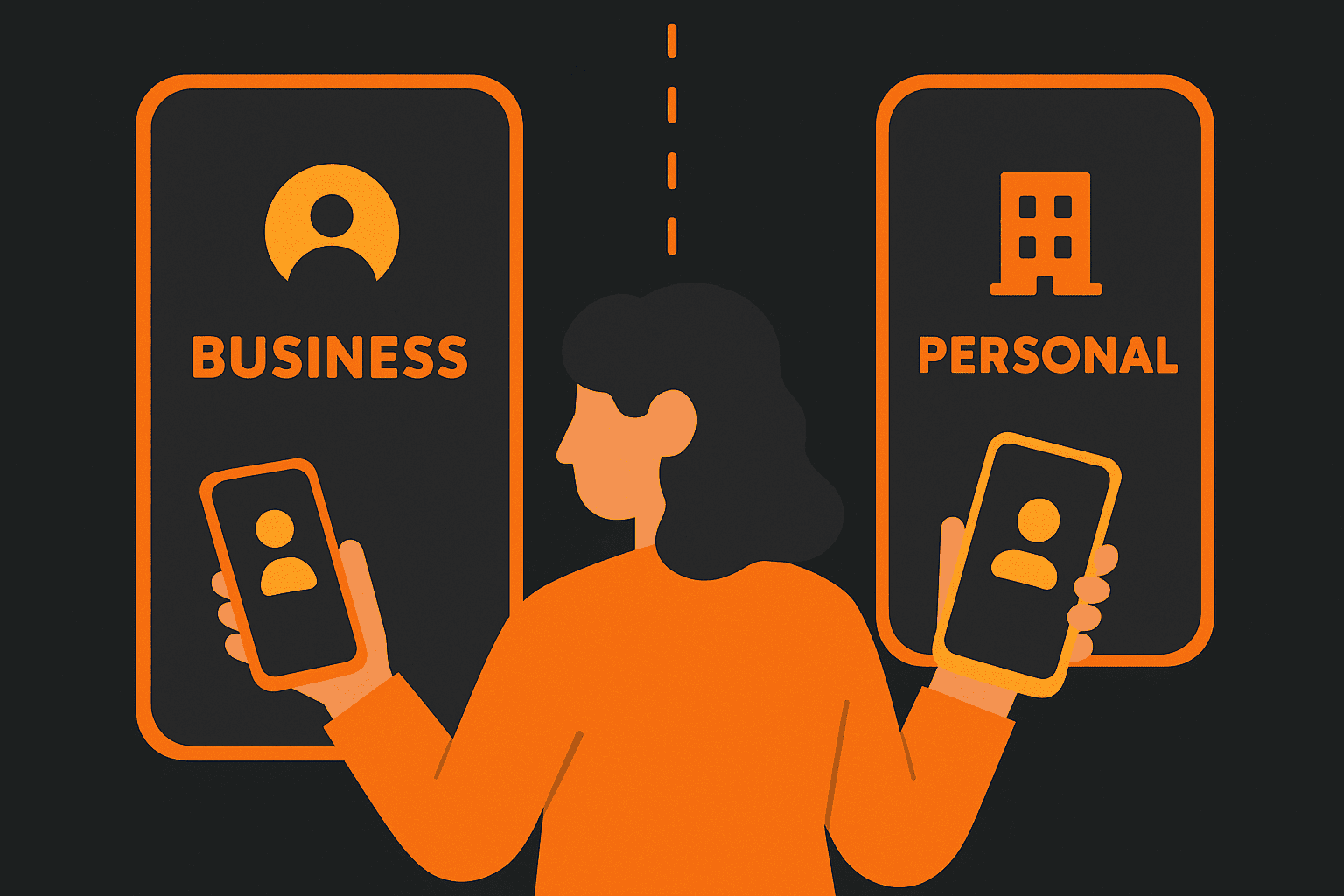
As a small business owner, you may start off using your personal mobile number for business. However, as your business grows, keeping work and personal calls on the same line can become problematic. Clients might reach you at all hours on your personal number, and it becomes harder to maintain a work-life balance and a professional image. The solution is to separate your personal and business mobile numbers. One of the easiest ways to do this is by using a dual-SIM phone (or an eSIM), which allows one device to have two different mobile lines – one for personal use and one for business. This guide explains the concept, benefits, setup steps, and how it supports future scaling.
Why Have Separate Personal and Business Numbers?
- Professionalism and Privacy: A dedicated business number looks more professional and protects your personal contact details.
- Work-Life Balance: Silence or disable the business line after hours without affecting personal communication.
- Focused Communication: Dual-SIM phones show which line is being used so you can answer calls appropriately.
- Simplified Sharing and Growth: Easily forward or hand over the business number as your team grows.
Dual-SIM Phones and eSIM: One Phone, Two Lines
Many smartphones support two mobile lines via dual SIM slots or a combination of a physical SIM and an eSIM. This allows you to keep your work and personal communications separate while carrying a single device. Modern phones let you label, assign ringtones, and manage calling defaults per SIM, giving you clear control over each line.
- Physical SIM + eSIM: Useful if your phone doesn’t have two SIM slots.
- Carrier Flexibility: Choose different carriers or plans for each line depending on coverage or rates.
- Efficient Call Handling: Set defaults, assign contacts to specific lines, and see which line is ringing before answering.
Benefits of a Dual-Number Setup for Your Business
- One Phone, Two Roles: Handle business and personal calls/messages without carrying two devices.
- Professional Caller ID: Know which number is ringing, use proper greetings, and maintain context.
- Separate Voicemail Greetings: Use a business-specific voicemail on your business line.
- Clear Billing: Separate personal vs business usage for easy expense tracking.
- Flexible Call Forwarding: Route missed business calls to a virtual assistant or landline.
- Backup Network: Use two different carriers for better coverage redundancy.
- Future Portability: Easily port your business number to a phone system or assign it to an employee later.
Step-by-Step: Setting Up a Second Mobile Line
- Check Dual SIM Compatibility: Confirm your phone supports dual SIM or eSIM.
- Get a Second Line: Buy a new plan/SIM or activate an eSIM for your business number.
- Install and Activate: Insert or configure the SIM/eSIM for the second number.
- Label Each Line: Use phone settings to name lines as “Personal” and “Business.”
- Choose Call Defaults: Set the business line as default for calls or messages.
- Assign Ringtones: Distinct tones help identify which number is ringing.
- Update Clients: Share your business number on websites, cards, and listings.
- Set Voicemail: Record a professional greeting on the business number’s mailbox.
- Configure Call Routing: Set up forwarding rules for missed or out-of-hours calls.
Make Sure Business Calls Are Always Answered
- Dual SIM Call Waiting: Receive a business call even if you’re on a personal call.
- Call Forwarding: Forward missed calls to a backup phone, landline, or live answering service.
- After-Hours Strategy: Silence or auto-route business calls outside of work hours.
- Virtual Receptionist: Consider using a service that answers calls when you’re unavailable.
“With conditional call forwarding, a missed call on your business line doesn’t go to voicemail—it goes to someone who can help.”
Scaling Up: Porting Your Business Number to a Phone System
When your business grows, you may outgrow the need to personally answer every call. Fortunately, having a separate business number means you can port it to a larger phone system (like Yeastar or another VoIP/PBX solution). This allows multiple staff to manage the same number, use advanced features like auto attendants, and track call analytics—all while keeping the same customer-facing contact information.
- Portability: Move your business number to a cloud phone system when needed.
- Delegate Easily: Reassign the number to another team member or phone.
- Professional Scaling: Route the number through a call tree or support team.
“Separating your mobile lines now gives you future flexibility—today it rings your phone, tomorrow it rings your whole business.”